
What is SEO and How to Optimise Your Website So It Shows on Google
Imagine paying thousands of pounds for a beautiful, state-of-the-art brick-and-mortar showroom. The design is flawless, the branding is perfect, and the keys are handed over to you.
But there’s a catch: the builders put it in the middle of a dense, unmapped forest with no roads leading to it, and no signs pointing the way.
In the digital world, this happens every single day.
Lately, I’ve been working with businesses that have invested heavily in gorgeous new websites built by traditional web agencies. But down the line, these owners realised no one was visiting. When they asked why, the agency told them, “Oh, you didn't pay for the Optimisation Package. That’s an extra fee.”
Now, let’s be clear, not every business needs search engine optimisation. If you run a company where 100% of your work comes from word-of-mouth, or you already have a massive social media following, your website just needs to act as a digital brochure. It’s there to look pretty when you send people a direct link. Agencies leave optimisation out of the base price so these businesses don't pay for features they don't need. However, the small businesses I tend to partner with do rely on being found by new customers who are actively searching for what they offer.
For growth-focused businesses, optimisation isn't a luxury. It is the absolute foundation of your digital presence. Here is exactly what it means, why you need it, and what it actually includes.
What is Website Optimisation?
Put simply, optimisation is the process of making sure Google, Bing, and modern AI search tools (like ChatGPT) can actually read your website, understand what you sell, and recommend you to customers.
Imagine Google being a digital librarian. You ask ‘where can I find the best pizza near me?’, the librarian wants to hand you the absolute best book on the shelf. SEO is simply the act of organising your website so the ‘librarian’ knows exactly what you offer and trusts you enough to recommend you.
When I build a website for a client, full optimisation is built into the price by default. I also step in to fix and optimise existing sites that were left "unmapped" by their original creators.
If you want to check your own website's health, or understand what a marketer is actually doing when they optimise your site, here is the essential checklist:
1. Researching Your "Keywords"
You cannot optimise a site until you know what your customers are actually typing into search bars. Put yourself in your customer's shoes. If you are a local accountant, they aren't searching for "Financial Compliance Frameworks." They are searching for "Small business accountant near me." To find out exactly what phrases your specific audience is typing, you can use free tools like the Google Keywords Planner to see real data on what people are searching for in your industry.
2. Writing Real, Human Copy (No "Keyword Stuffing")
Once you know your keywords, they need to be added naturally into your website text.
The Golden Rule: Write for humans first, robots second. In the early days of the internet, businesses would write "Best accountant Cumbria accountant local accountant" fifty times at the bottom of a page. Today, Google will actively penalise you for doing this.
Using AI the Right Way: AI is a fantastic tool, but copying and pasting generic, robotic text onto your website ruins your credibility. Search Engines and AI search tools look for authenticity and authority. They want to see real stories, real expertise, and your unique business voice. If your text looks like a generic template, search engines will ignore it.
3. Naming Your Images (Alt Text)
Google cannot "look" at a photo of a product or your team. It relies on the hidden text behind the image to understand what it is. Adding descriptive "Alt Titles" and tags to your photos ensures search engines index your images correctly.
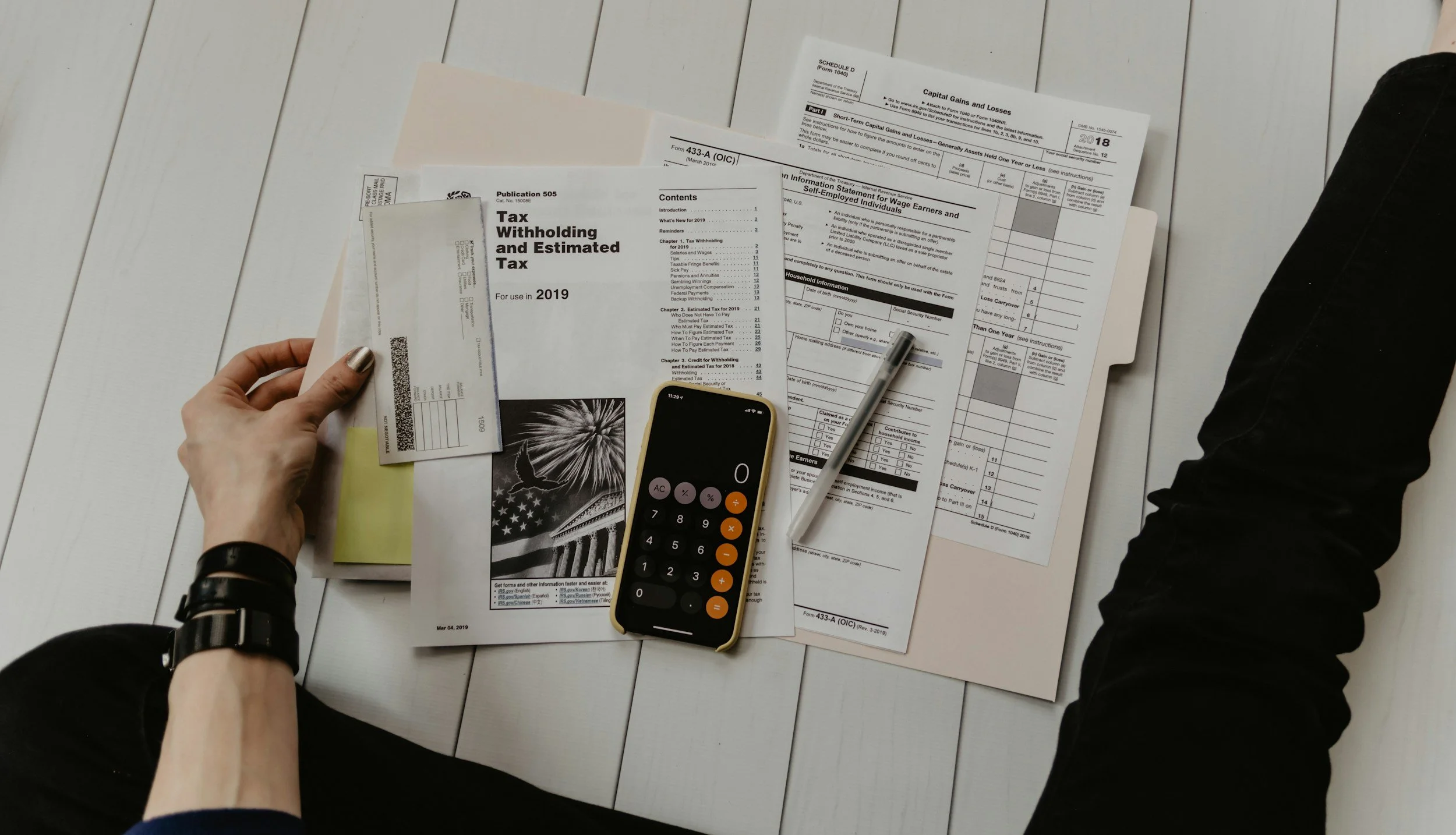
❌ The Bad (Generic) Alt Text: Tax forms, a pen, and a calculator phone on a white wooden floor.
✅ The Good (Optimised) Alt Text: A small business owner sorting tax withholding paperwork, showcasing small business accounting services in Carlisle and Cumbria by [Your Business Name].
4. Your Digital Billboard (Meta Titles & Descriptions)
When you search for something on Google Search Engine, your results are displayed as a blue title and a short paragraph underneath it. This is called your Meta Title and Meta Description. If your web agency didn't fill these in for every single page, Google just guesses them - which usually results in messy, broken sentences showing up in search results.
5. Including a Q&A Section
Think about how you use search engines now. You don't just type keywords; you ask full questions, or you ask an AI tool like ChatGPT: "Who handles event management for businesses in the North?" Adding a clear Question & Answer section to your website gives AI engines the exact snippets of text they need to pull your site as the answer.
6. Backlinks
Optimisation doesn’t just happen on your website; it happens across the wider internet. A ‘backlink’ is simply another reputable website putting a link on their website that points to yours. Think of it like a digital testimonial telling Search Engines that you are a legitimate and trustworthy business. If local directories, industry blogs, or news outlets link to you, Google maps a road straight to your showroom.
7. Running a Technical "Health Check"
Finally, optimisation involves running your site through specialist software (like SEMrush) to generate an audit report. This report acts like an MOT for your website, highlighting hidden technical issues like broken links, slow-loading images, or security errors. Step two is rolling up your sleeves and actually fixing everything highlighted in that report.
The Takeaway
Optimisation isn’t a mysterious luxury add-on; it’s the road that connects your business to your customers.
Whether you are building a new site or trying to fix an old one, don't let the technical jargon put you off. Focus on clarity, answer your customers' questions honestly, and make sure the technical foundations are locked down.
Need a hand running a health check on your current website to see where you're losing traffic? Drop me a message for an audit.